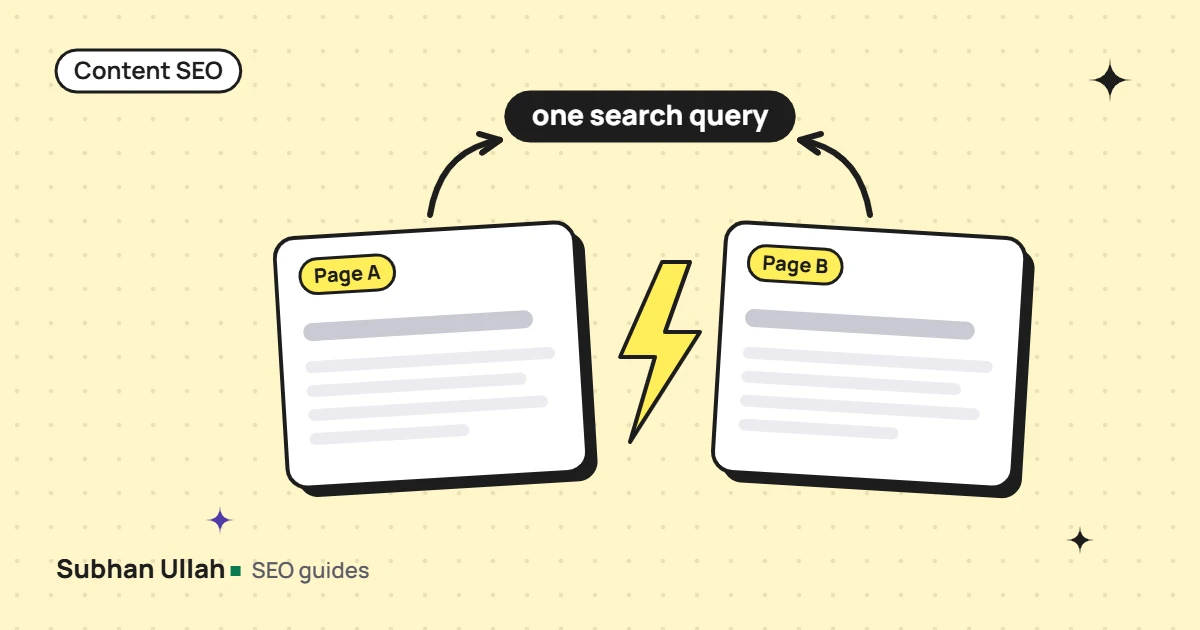
Keyword cannibalization (or cannibalisation) happens when two or more pages on your site try to answer the same search intent, so they compete with each other. The usual symptoms are Google switching between the pages for the same query, or neither page ranking as well as one stronger page would. The fix is to decide which page owns the query, then merge, redirect, re-focus or re-link the others. Not every shared keyword is a problem, though: two pages can rank for the same word and serve different intents perfectly well.
When it is a real problem, and when it is not
| Real cannibalization | Not a problem |
|---|---|
| Two pages answer the same question for the same reader | A service page and a how-to guide both rank for a broad term, but one sells and one teaches |
| Search Console shows Google alternating URLs for the same query over time | Two pages appear together in the results, both getting clicks |
| Neither page ranks well, and the content is largely the same | A page ranks for hundreds of loosely related queries that another page also touches |
Start from intent, not from the keyword. If you would write the same answer twice, you have a cannibalization problem. If the two pages would answer different questions, you probably do not.
How to find keyword cannibalization
1. Search Console, query by query
In the Performance report, filter to one important query and open the Pages tab. If several of your URLs collect impressions for it, compare them over a few months. A pattern where one URL’s impressions drop as another’s rise, for the same query, is the clearest sign that Google cannot decide between them.
2. Your own content map
List every page with its primary query and intent. Each query should have one owner. Duplicates on this list are easy to spot, and the list is the only check that works for pages you have not published yet.
3. A content overlap check
Search data shows you a problem after the fact. Comparing the text of two pages catches it before you publish. I use a small script that breaks both pages into every run of five consecutive words, then reports:
- The share of the new page’s words that sit in five-word phrases also found on the other page
- The same for runs of eight words or more, which catch copied sentences
- Any sentence that is 70% or more made of phrases from the other page
My pass marks are under 15% at five words, under 5% at eight words, and no near-identical sentences. They are working thresholds from my own projects, not a Google rule, but they reliably flag pages that say the same thing.
An example: a cluster article that repeated its pillar
On a niche app’s blog, I wrote a cluster article on one specific case of a broader question that already had a pillar page. The client sent it back because it read like the pillar. When I measured it, about 90% of the cluster’s points were already in the pillar, 45% of its words sat in shared five-word phrases, and 26 sentences were near-identical.
What went wrong
The cause was planning, not writing. The pillar already answered that specific case in full, so the cluster had nothing new to say. Worse, the specific case had more search demand than the pillar’s own topic, so the two pages would have competed for the bigger query.
How it was fixed
The fix was to decide ownership first. The pillar now summarises each sub-topic in a paragraph and links to the cluster. The cluster goes deep on what is specific to its case, and only summarises shared points with a link back up. No sentences, calls to action or FAQ answers are reused between the two. Every new article now gets the overlap check against its related pages before handover.
The same problem on service pages
The same check applies to service pages. On this site, the on-page SEO service page and the content SEO hub above it were close enough to compete, so the child page was re-focused on on-page work specifically and the hub kept the broader topic.
How to fix keyword cannibalization
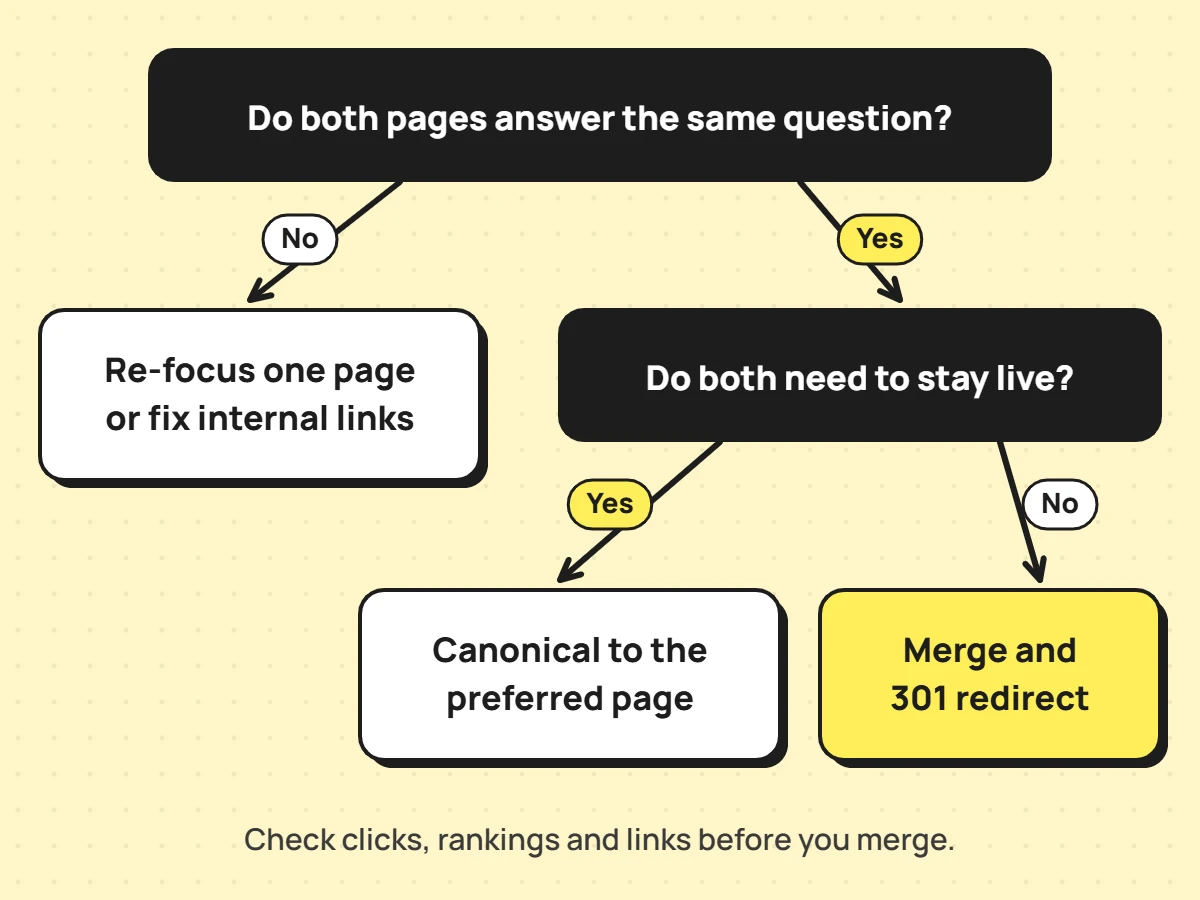
| Situation | Fix |
|---|---|
| Two pages say largely the same thing, and both have some value | Merge the best of both into one page and 301 redirect the other to it |
| Near-identical versions must both exist (for example, print or parameter versions) | Keep both and point a canonical tag at the preferred one |
| The pages could serve different intents | Re-focus one: new title, headings and angle, so each answers a different question |
| The right page exists, but internal links point at the wrong one | Update internal links and anchors to point at the owner |
| One page is thin and has no traffic or links | Merge it into the owner and redirect, rather than deleting it |
Redirects, canonicals and what Google decides
Google’s documentation on consolidating duplicate URLs describes redirects and rel=”canonical” as strong signals, and sitemap inclusion as a weak one. It also makes clear that Google decides which pages are duplicates, so a canonical tag is a strong hint, not a command. For pages that genuinely overlap, a merge and redirect is usually cleaner than leaving two near-copies live.
Keep the URL that has the value
Before you merge or redirect anything, check which page has the clicks, the rankings and the external links. Keep the URL that has them where you can, and move the content onto it, not the other way round.
How to prevent it
- Keep a content map with one owner per query and intent.
- Before writing, check the map and Search Console for an existing page on the topic.
- For pillar and cluster pages, write down which page owns each point.
- Run an overlap check against related pages before anything goes live.
- Link related pages to each other with anchors that describe each page’s own angle.
Cannibalization checks and consolidation plans are part of my on-page SEO services, and the wider content SEO page covers planning content so it does not happen. If redirects are involved, the technical SEO audit checklist covers how to check them.
Frequently asked questions
Is keyword cannibalization a Google penalty?
No. It is not a penalty or a manual action. It is your own pages competing for the same intent, which can leave you with a weaker result than one focused page would get.
Can two of my pages rank for the same keyword?
Yes, and sometimes both appear in the results at once. That is fine if each gets clicks and serves a different need. It becomes a problem only when the pages answer the same question and swap places instead of both performing.
Should I use a canonical tag or a redirect?
Use a redirect when one page should stop existing for visitors, which is the usual case after a merge. Use a canonical tag when both versions need to stay available, such as filtered or print versions of the same content.